To make an online signature, choose one of three paths: draw your natural signature on a touchscreen, type your name to explore script styles, or upload a signature you already wrote on paper. Then crop it, remove the background, save a clean reusable file and test it at the size where you will actually use it.
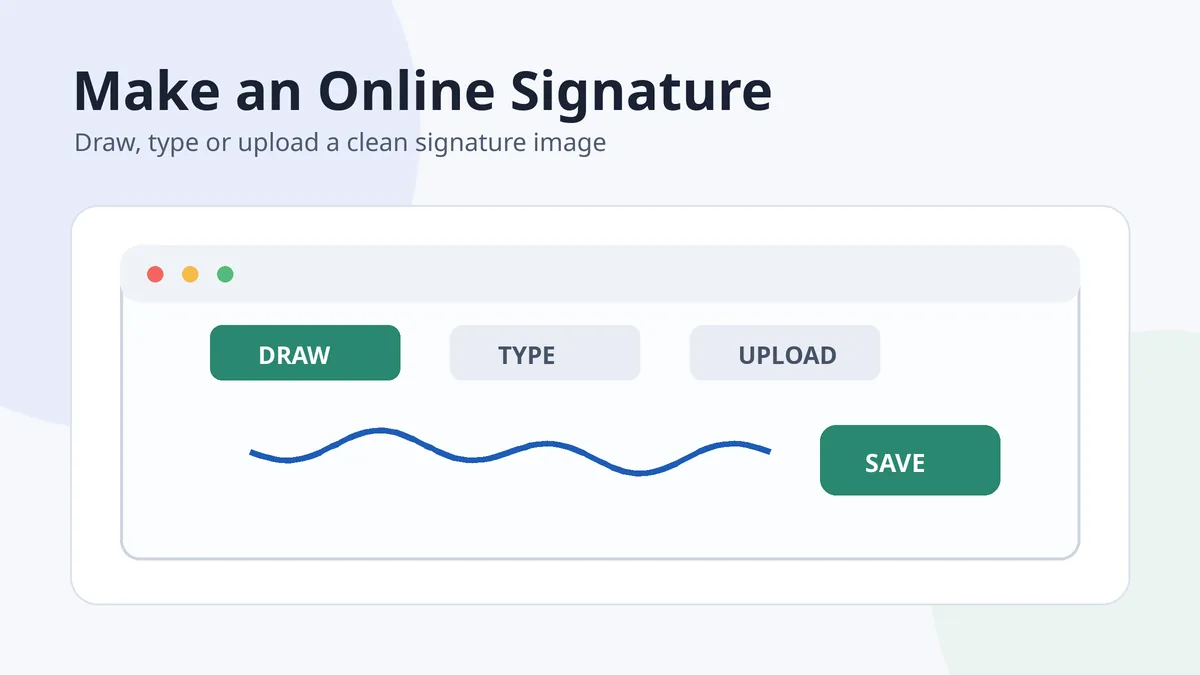
This guide focuses on creating a handwritten-style signature image. An e-signature service that records signer identity and a certificate-based digital signature are different tools for different needs.
In this guide
What “online signature” can mean
| Meaning | Typical result | Use it when |
|---|---|---|
| Handwritten-style signature image | Transparent PNG or another reusable image | You need a visual signature for documents, designs or a personal mark |
| Electronic-signature workflow | Signed document plus authentication or audit information | A service is managing approvals and signer actions |
| Certificate-based digital signature | Cryptographically validated document signature | The document requires verified identity and tamper evidence |
A generator that turns a name into a script font can be useful for ideas, but it does not automatically reproduce your handwriting or provide document verification. Decide what output you need before choosing a tool.
Method 1: Draw your signature online
- Use a touchscreen or stylus if possible. A mouse can work, but it often makes curves less natural.
- Draw at a comfortable size. Do not squeeze the signature into a tiny canvas while designing it.
- Try several attempts. Compare the main capital, total width and ending rather than judging only one smooth line.
- Keep one reliable version. Choose the attempt you can repeat, not merely the most decorative one.
- Download a transparent file. Check that the background is genuinely transparent rather than white.
When drawing is the best option
Drawing is strongest when you already know the movement you want. It preserves your own letter shapes, slant and stroke rhythm. It is less useful when you are still deciding whether to use a full name, initials or a first initial plus surname.
Method 2: Type your name to explore styles
Typing is the fastest way to compare broad visual directions such as cursive, minimalist, bold or calligraphic. Use it as a sketching stage:
- Compare the opening capital. Look for a shape you can recreate comfortably by hand.
- Study connections. Notice which letter pairs can join naturally in your name.
- Ignore impossible details. A font may contain precise loops or repeated thick-and-thin strokes that are difficult to reproduce quickly.
- Redraw the idea. Convert one useful feature into your own hand movement instead of treating the font as a final personal signature.
For visual construction ideas, compare different signature styles and the cursive name signature gallery.
Method 3: Upload a signature written on paper
Uploading is often the best route when your paper signature already feels natural. The quality of the final file depends more on the photograph and cleanup than on the upload button.
- Use dark ink on unlined white paper.
- Photograph in even light from directly above.
- Crop close to the outermost strokes.
- Remove the background while preserving thin lines and dots.
- Save a private high-quality master.
- Create smaller working copies for routine use.
Choose the right file format and size
| Format | Strength | Best use |
|---|---|---|
| PNG with transparency | Preserves clean edges and a transparent background | Documents and layouts where the signature sits over a line or coloured area |
| WebP | Can keep good visual quality at a smaller web file size | Website previews and optimized online display |
| JPG | Widely supported but has no transparency | A signature on a permanent white background |
| SVG or vector | Scales cleanly but may not be accepted by every editor | Design workflows when the signature has been safely vectorized |
Do not enlarge a tiny image after download. Thin curves will become jagged. Start with a clean master, then export only the dimensions needed for the document or website.
The signature image creator guide explains cropping, background removal and transparent output in more detail.
Use an online signature safely
- Keep the master file private. A reusable signature image should not be uploaded publicly without a clear reason.
- Review tool privacy. Understand whether uploaded files are stored, processed locally or retained by a service.
- Do not imitate another person. Galleries are for structural inspiration, not copying a finished signature.
- Match the verification need. A PNG is not a substitute for an audit trail or digital certificate where those are required.
- Check the final document. Reopen it to confirm that the image remains sharp, correctly positioned and complete.
The best online signature is not the one with the most flourishes. It is the one that preserves a movement you can recognize and repeat.
After creating the image, use the Word signing guide or the PDF signing guide to place it correctly.
Frequently asked questions
Can I make an online signature for free?
Many tools provide basic drawing, typing or upload features without charge. Check export quality, privacy, watermarks and usage limits before relying on a service.
Is a typed online signature really my signature?
It can represent your name in an electronic context, but it is a font-based result rather than your natural handwriting. Use it for exploration or where the workflow accepts typed signatures.
Should I draw with a mouse or touchscreen?
A touchscreen or stylus usually produces smoother, more natural movement. A mouse is usable for simple initials or broad strokes but may feel less controlled.
What is the best format for an online signature?
A transparent PNG is the most practical reusable document format. WebP is useful for lightweight website display, while JPG is suitable only when a white background is acceptable.
Does an online signature image make a document secure?
No. The image provides appearance. Security and signer verification come from the document workflow, authentication, audit records or a certificate-based digital signature.

Add Comment